エンドユーザー向けガイド
MIZUHIKI ID アプリの使い方
MIZUHIKI アイデンティティは現在、MIZUHIKI ID デモアプリ、および iOS・Android 向け SDK を通じて提供されており、すべての機能をご自身のアプリケーションに直接統合することができます。
MIZUHIKI コンプライアンス・スイートの機能をご紹介し、開発者がテストできるよう、MIZUHIKI ID というプライベートベータアプリをリリースしました。本アプリは現在、TestFlight を通じて iOS ユーザー向けに提供されています。
アプリをダウンロードするには、MIZUHIKI チームにお問い合わせいただき、招待をリクエストしてください。TestFlight (no_reply@email.apple.com) より、件名 AltxResearch has invited you to test MIZUHIKI ID のメールが届きます。メールに記載された手順に従ってインストールを完了してください。
本人確認
アプリを初めて開いた際には、アイデンティティを認証することでサインアッププロセスを完了する必要があります。マイナンバーカードをご用意の上、以下の手順に従ってください:
- マイナンバーカードの暗証番号を入力します(6〜16 文字)
- マイナンバーカードをスマートフォンの NFC リーダーにかざします
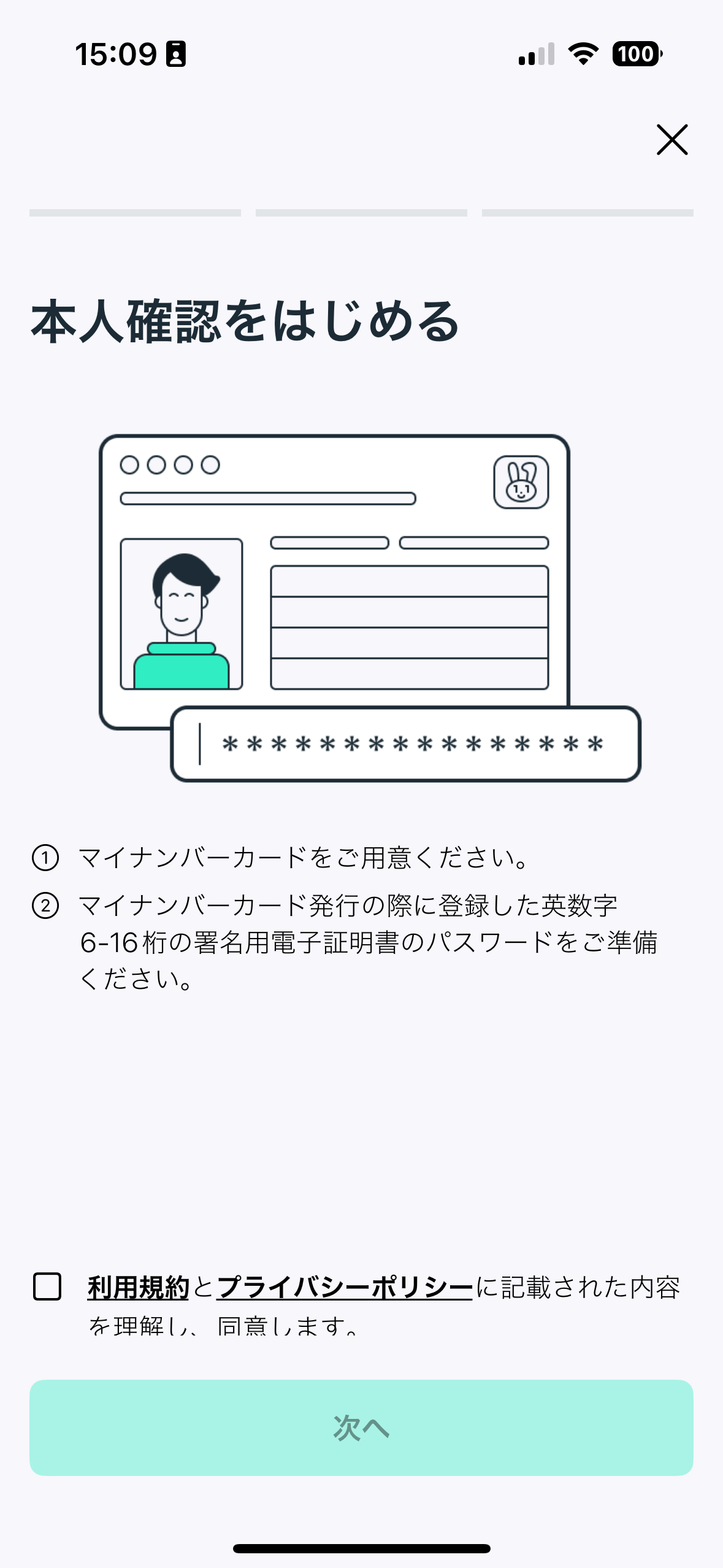
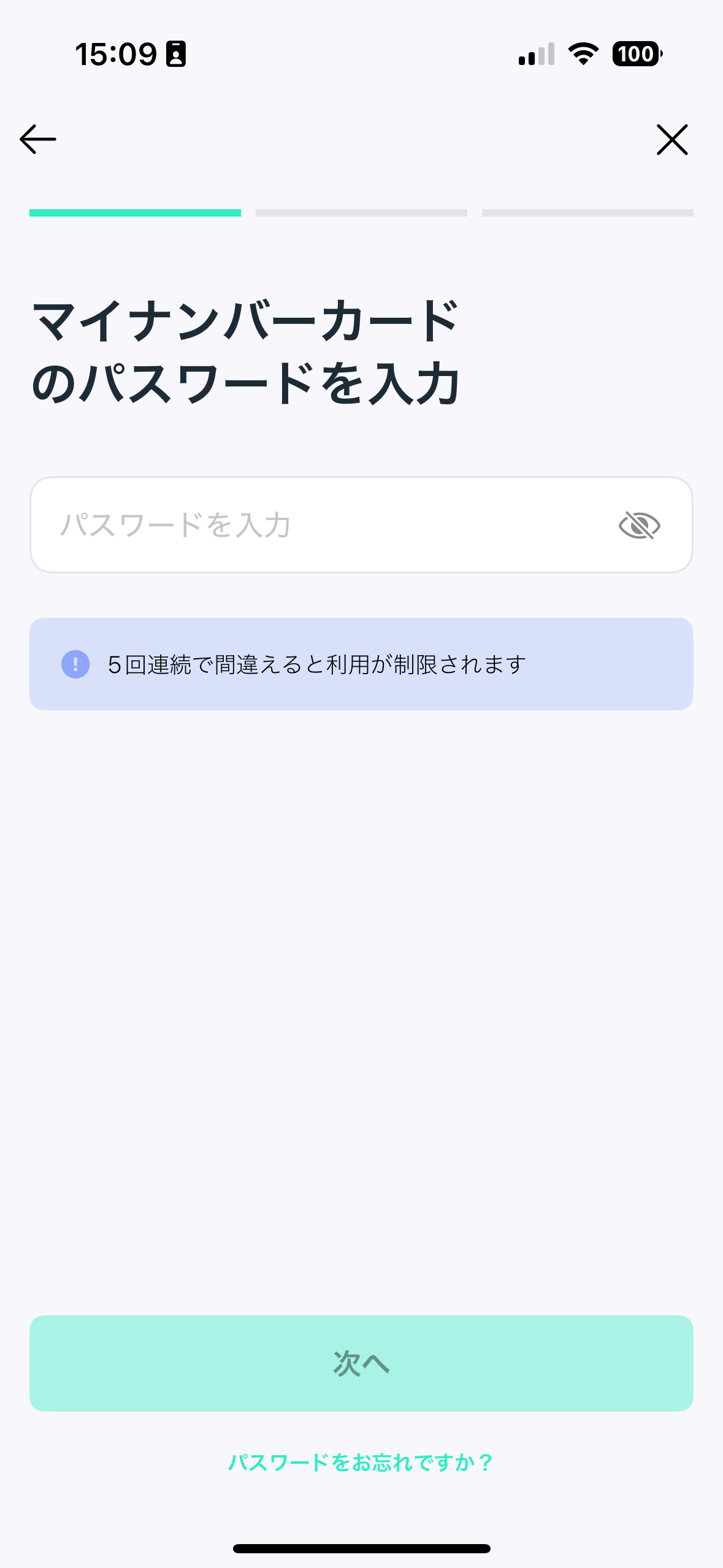
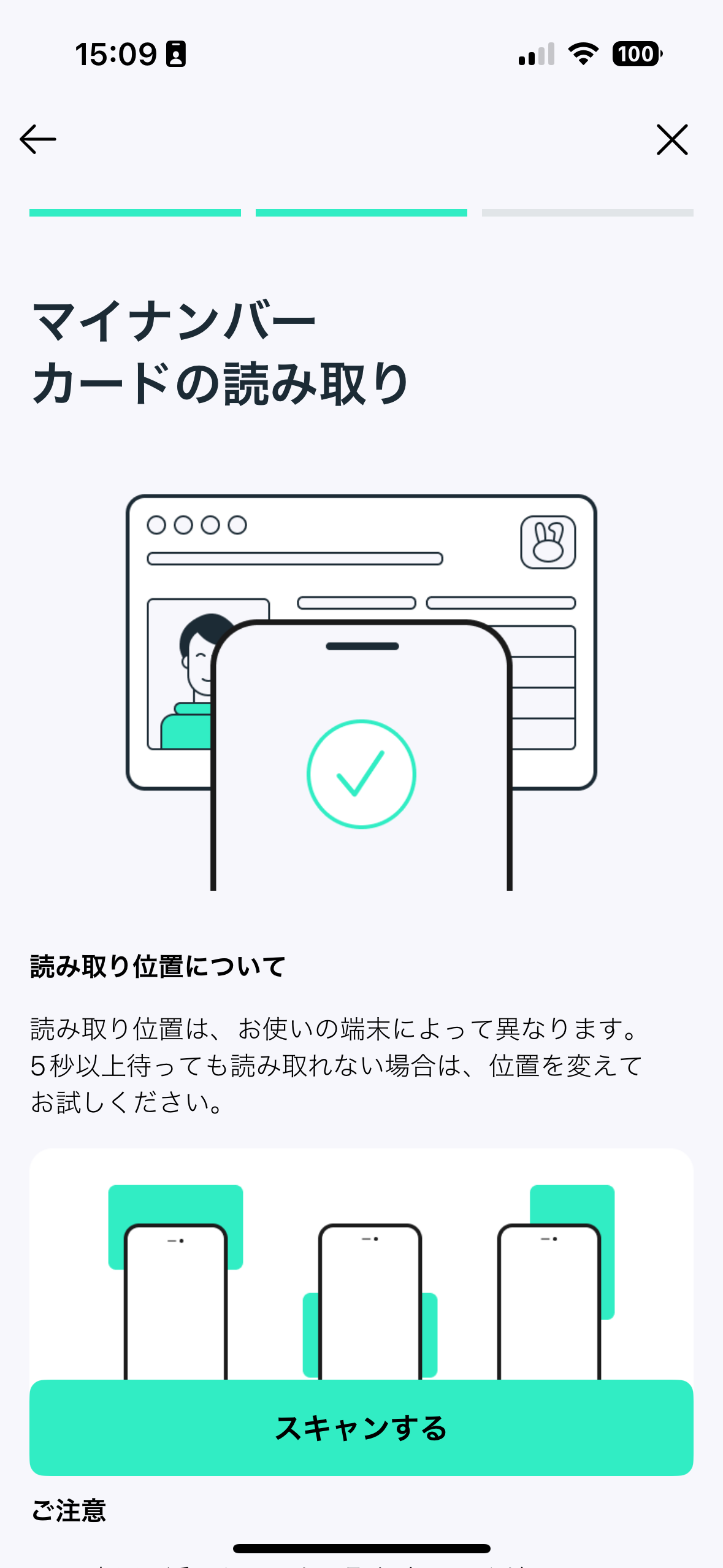
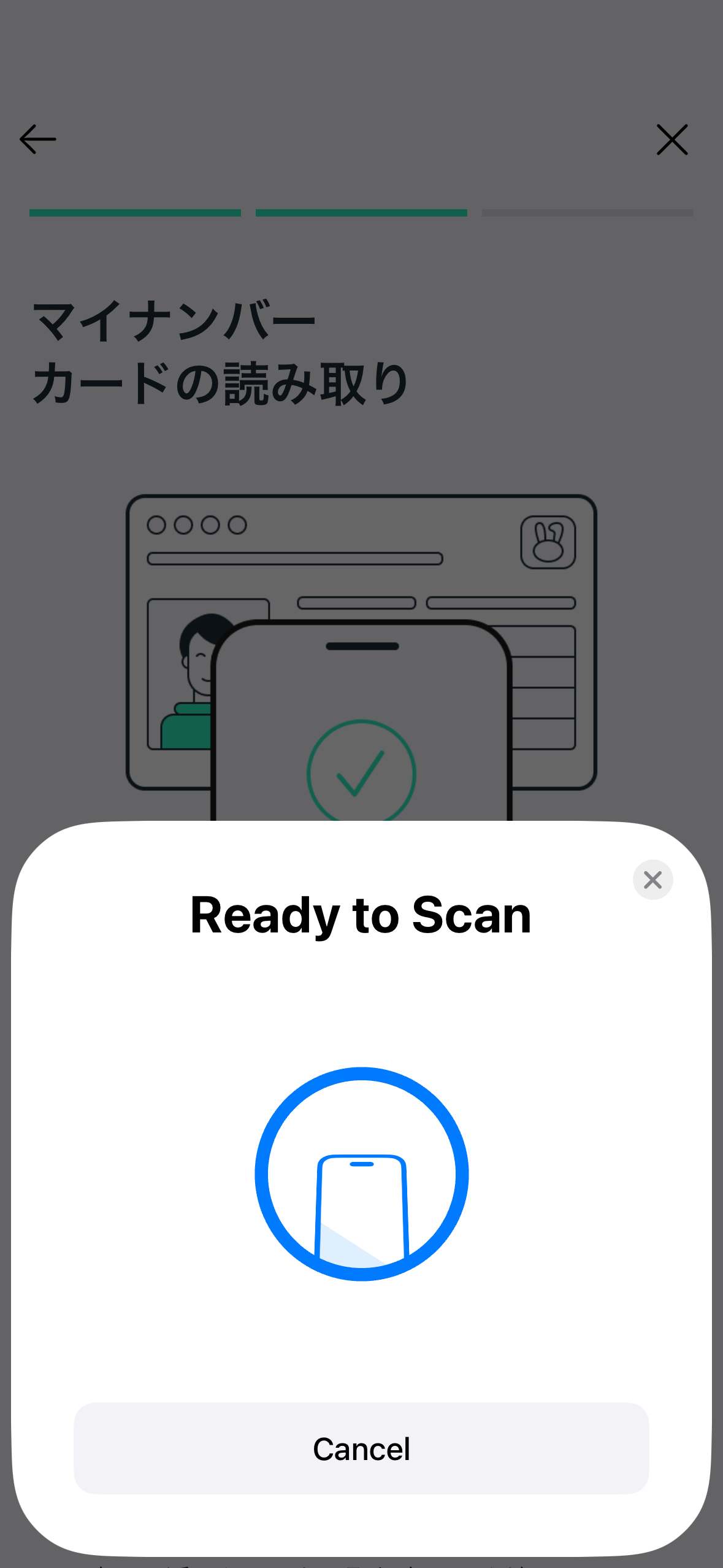
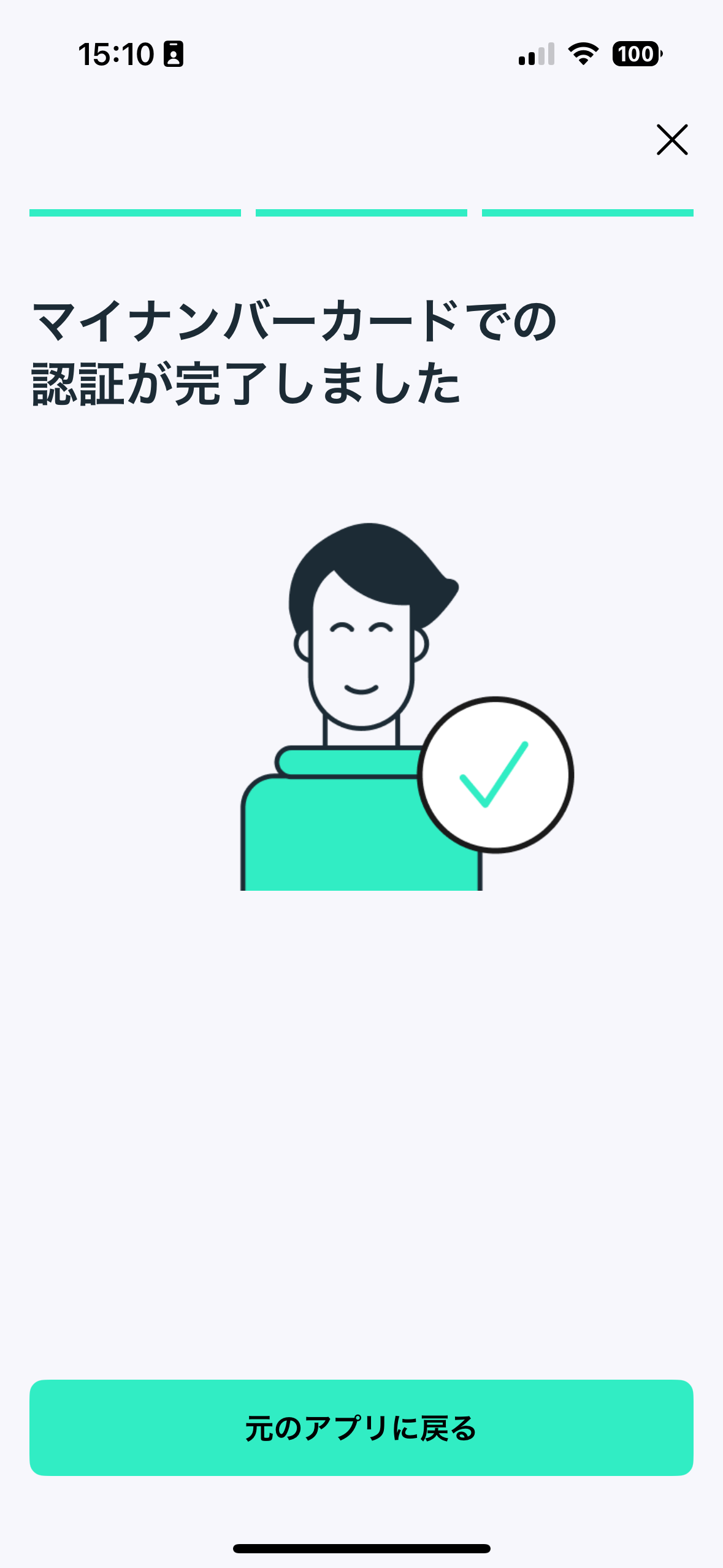
MIZUHIKI ID アプリによる本人確認フロー
MIZUHIKI Verified アドレス
本人確認プロセス完了後、任意の EVM 互換アドレスすべてに対して、ソウルバウンドトークン(SBT)の形式でオンチェーンの証明を発行できます。MIZUHIKI Verified(本人認証済み)ソウルバウンドトークンは ERC-5484 規格に準拠しています。
トークンがアドレスにミントされると:
- 他のアドレスへの転送はできません
- あなた自身および MIZUHIKI プロジェクトの両方がトークンをバーンする権限を持ちます
SBT を発行するには:
- WalletConnect を使用してウォレットアドレスを接続し、メッセージに署名します(この署名にガス代は発生しません)
- MIZUHIKI Verified(本人認証済み)ソウルバウンドトークンがアドレスに直接ミントされます。アプリを更新後、トークンコントラクトとトークン ID を確認できます。この情報を使用して、ウォレットに NFT としてトークンをインポートすることができます
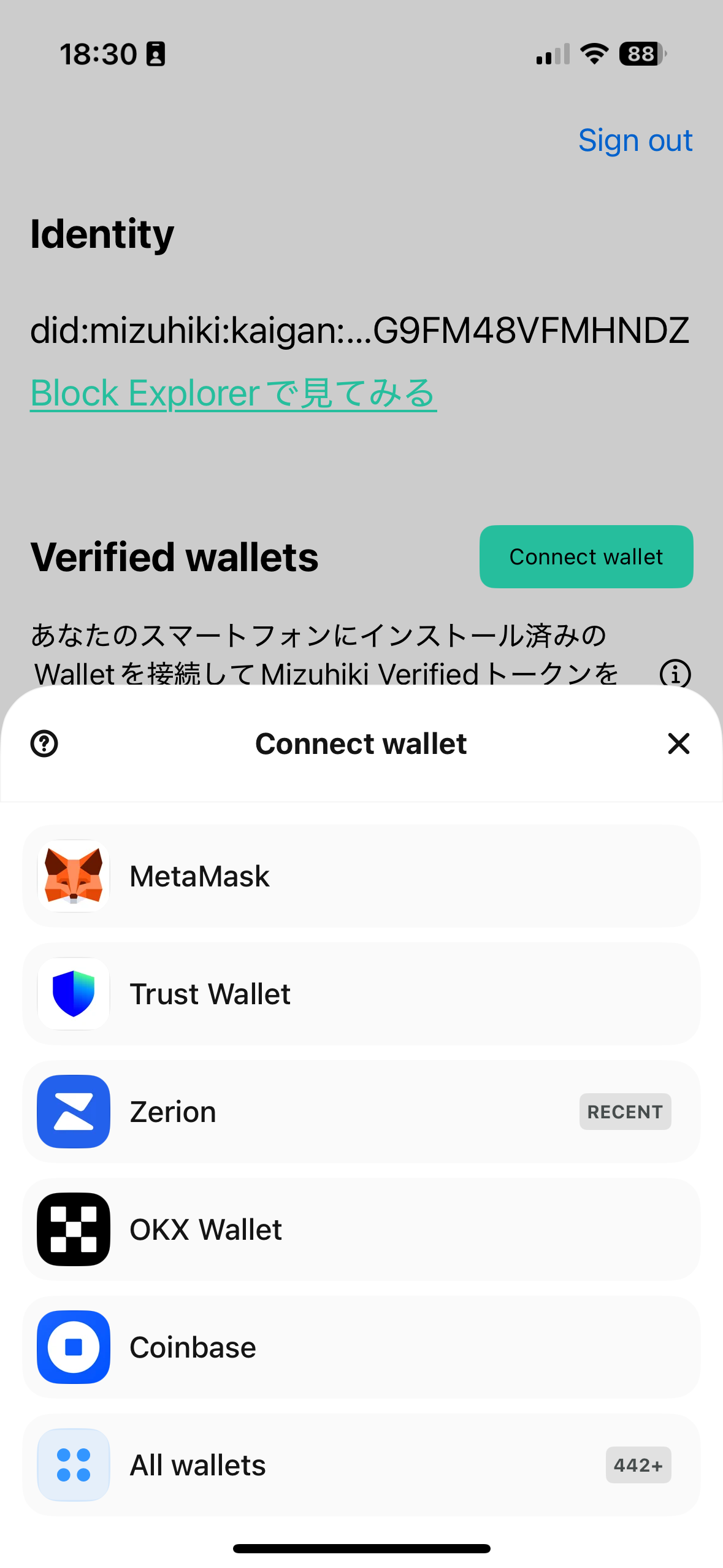
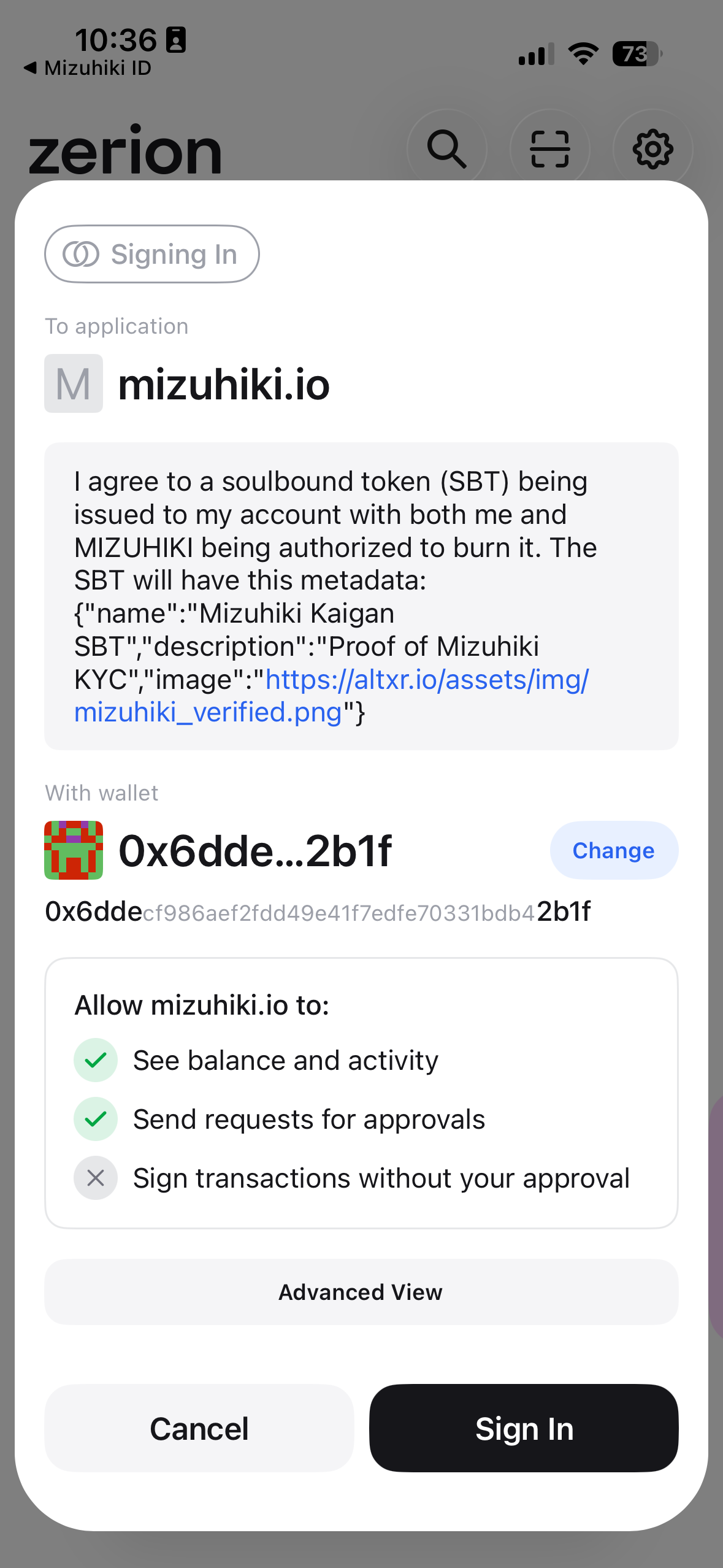
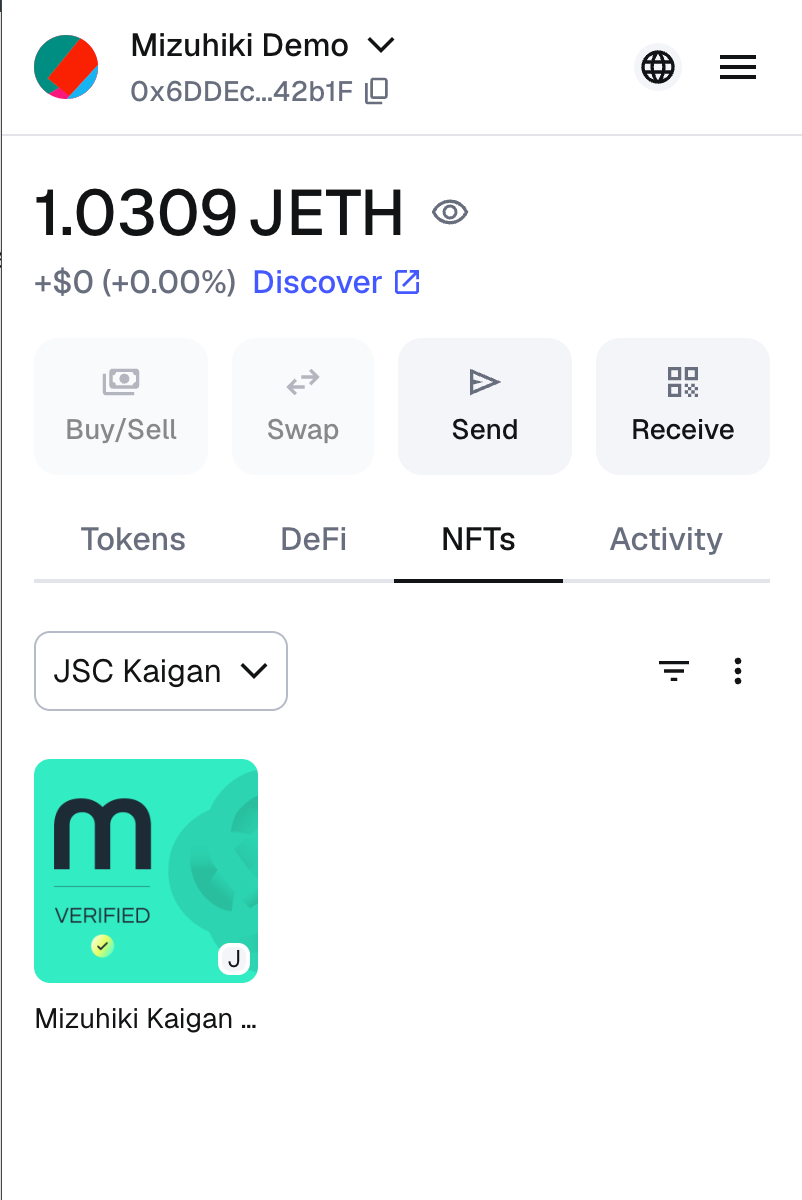
MIZUHIKI ID アプリによる MIZUHIKI Verified アドレス設定フロー